
Diwali AI Photo Prompts 2026: 25 Best Gemini and ChatGPT Prompts for Festive Portraits
Twenty-five copy-paste Diwali AI photo prompts for festive portraits, couple photos, family pictures and creative greetings.
By admin
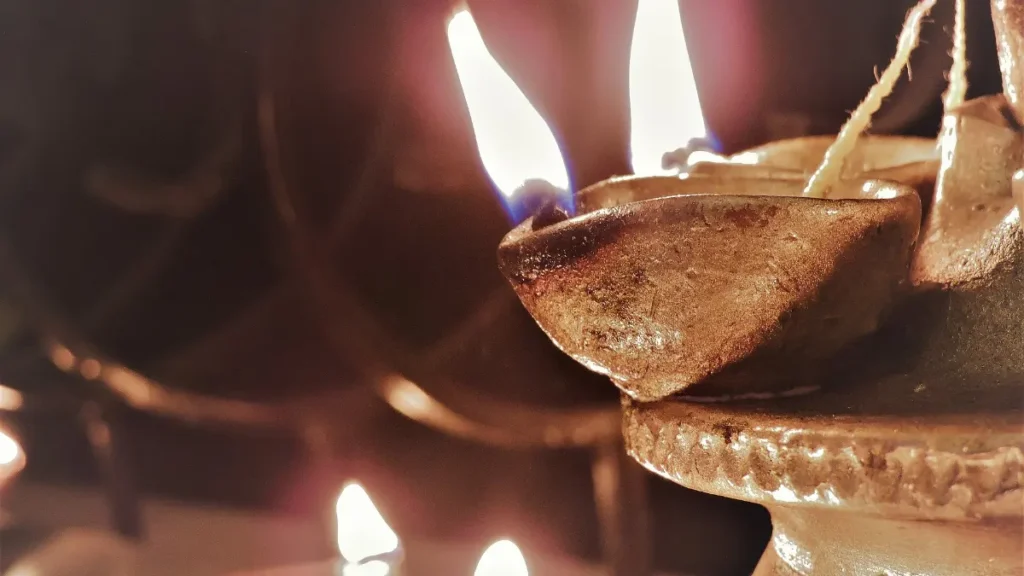
Diwali AI photo prompts are a fun way to create glowing festive portraits without a professional photoshoot. With Google Gemini or ChatGPT, you can upload a clear selfie and transform it into a beautiful Diwali picture with diyas, rangoli, lanterns, fireworks and traditional outfits, while keeping your face recognisable. Diwali falls in early November in 2026, and many people update their profile pictures and send personalised greetings. Here are twenty-five ready-to-use prompts and tips for natural, stunning results.
Table of Contents
How to Use These Prompts
Open Gemini or ChatGPT, upload a well-lit, front-facing photo and paste one of the prompts below. Always add the line “keep my face exactly the same and realistic” to protect your identity in the image. If the result is not perfect, ask for small changes, such as warmer lighting or a different outfit colour, instead of starting again. These Diwali AI photo prompts work best with clear photos taken in daylight without heavy filters.
Traditional Portrait Prompts
- Turn this photo into a festive Diwali portrait wearing a silk saree, holding a lit diya, with warm golden bokeh lights in the background.
- Create a portrait of me in a traditional kurta standing beside a colourful rangoli with glowing diyas around it.
- Place me on a decorated balcony at night with hanging lanterns and soft fairy lights.
- Make a royal Diwali portrait with a palace courtyard, marigold garlands and warm candlelight.
- Create a close-up portrait with diya light reflecting on my face and a dark, festive background.
- Turn this into a Kerala-style festive portrait wearing a kasavu outfit with brass lamps glowing behind me.
Traditional Diwali AI photo prompts look best with rich colours like gold, maroon, deep green and royal blue. Mention fabric types such as silk or cotton to improve realism. Ask for soft, warm lighting instead of harsh brightness. These Diwali AI photo prompts create elegant profile pictures suitable for WhatsApp, Instagram and Facebook during the festival week.
Couple and Family Prompts
| No. | Prompt idea | Best for |
|---|---|---|
| 7 | Couple lighting diyas together on a doorstep with rangoli | Couple DP |
| 8 | Family portrait in coordinated traditional outfits with marigold decor | Family greeting |
| 9 | Siblings bursting eco-friendly sparklers in a garden at dusk | Fun memory |
| 10 | Grandparents and grandchildren drawing rangoli together | Emotional greeting |
| 11 | Couple under a canopy of hanging lanterns at night | Romantic photo |
| 12 | Family sharing sweets around a decorated table | Festive table |
When using Diwali AI photo prompts with group photos, make sure everyone’s face is clearly visible and well lit. Ask the AI to keep each person’s features unchanged. Get permission from family members before uploading their photos to any AI app. For children, use trusted apps and avoid sharing the final images publicly if you want to protect their privacy.
Creative and Artistic Prompts
- Turn my photo into a watercolour Diwali painting with soft pastel diyas and floating lanterns.
- Create a cinematic Diwali night portrait with sparklers creating light trails around me.
- Make a vintage 1980s style Diwali photograph with warm film grain and old-fashioned decorations.
- Create a 3D animated character version of me holding a diya, with a cute festive background.
- Make a mirror-reflection portrait with diyas reflected in a calm water pond.
- Turn this into a festive magazine cover style portrait without any text.
- Create a portrait with a background of glowing rangoli patterns made of light.
Creative Diwali AI photo prompts help your greetings stand out. Watercolour and cinematic styles are very popular for social media posts. If you want more portrait ideas beyond Diwali, explore our guide to AI profile picture prompts, which includes professional, creative and seasonal prompts for every platform.

Greeting and Business Prompts
- Create a Diwali greeting image with my photo in a corner and an elegant background of diyas, leaving space for text.
- Make a festive banner for my shop with traditional decorations and space for an offer message.
- Create a minimal Diwali wallpaper with a single diya and soft golden light.
- Make a festive background with marigold flowers and lanterns for a product photo.
- Create a team photo style image with colleagues in festive outfits in a decorated office.
- Turn my pet’s photo into a cute Diwali portrait with a small diya and festive collar.
For greetings, generate the image without text and add your message later in Canva, because AI tools often misspell words. Our Canva AI guide explains how to add text, logos and layouts quickly. Businesses can use these Diwali AI photo prompts to create festive social posts, but should avoid copying other brands’ designs or logos.
Tips for Natural Results
For the best Diwali AI photo prompts results, use sharp, front-facing photos without sunglasses. Ask for natural skin texture, because over-smoothed faces look fake. Check hands, eyes and teeth carefully, as AI sometimes distorts them. Keep lighting warm but not too orange. Use eco-friendly themes, such as diyas and sparklers, instead of loud firecrackers, to promote a greener festival. Above all, keep the final image close to your real appearance so friends and family recognise you instantly.
Safety and Privacy
Upload photos only to trusted, official apps such as Gemini and ChatGPT. Do not upload photos of others without permission. Be cautious of websites promising free AI Diwali photos that ask for logins or personal details. Avoid sharing private family moments publicly if you are unsure. Following these simple rules lets you enjoy Diwali AI photo prompts safely and protects your personal data.
Frequently Asked Questions
Which app is best for Diwali AI photo prompts?
Google Gemini and ChatGPT are among the best for editing your own photo while keeping your face consistent.
Are these prompts free to use?
Yes. Both apps offer free image generation with daily limits.
How do I keep my face the same?
Add “keep my face exactly the same and realistic” to every prompt.
Can I add Happy Diwali text?
Add text later in Canva or another editor for clean, correct spelling.
Conclusion
These Diwali AI photo prompts help you create glowing festive portraits, family pictures and greetings in minutes. Choose a prompt, upload a clear photo, refine the result and add your personal message. Celebrate creatively, safely and sustainably this Diwali. For more creative tools, check our list of free AI image generators, and learn more about prompting on the Google Gemini website.